












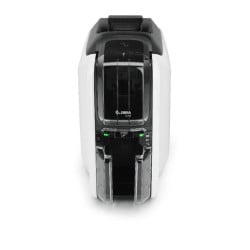
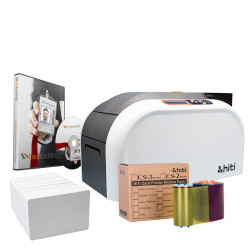
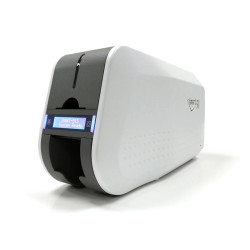




















In short: To choose an ID card printer, work through six questions: how many cards you print, whether you need both sides, whether the cards carry a chip or stripe that must be encoded, which security features you need, what software you will design in and what each card will cost to run. Entry level direct to card printers suit small on-demand runs of photo ID. Mid range printers add speed, networking and encoding. Retransfer printers are the choice for chip cards and the highest print quality.
What does an ID card printer do?
An ID card printer prints photos, names, logos and barcodes onto plastic cards in the standard CR80 size of 85.6 x 54mm. Most use a ribbon with yellow, magenta and cyan dye panels for colour, a black resin panel for sharp text and barcodes and a clear overlay panel that protects the finished card. Many can also encode a magnetic stripe or a smart chip in the same pass, so one card works as photo ID and as an access or payment credential.
Plastic ID card printers fall into two print technologies, explained below. Our full range sits on the ID card printers page.
How many cards will you print?
Volume is the first filter, because it decides hopper size, speed and how robust the printer needs to be. The figures below come from each printer's product page.
| Printing pattern | Examples | What the product page says |
|---|---|---|
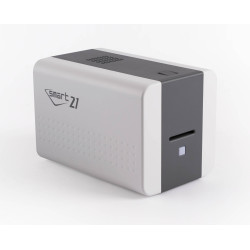
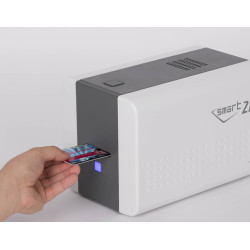
| A few cards at a time, on demand | Evolis Badgy 200, IDP Smart 21S | Badgy 200: up to 95 colour cards an hour with a 25 card feeder, sized for small batches. Smart 21S: hand fed, up to 150 colour cards an hour. |
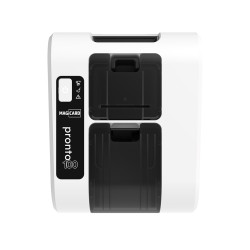
| Small to medium programmes | Evolis Zenius 2, Magicard Pronto100 | Zenius 2: up to 180 colour cards an hour, 50 card input hopper. Pronto100: a full colour card in 23 seconds, hand fed. |
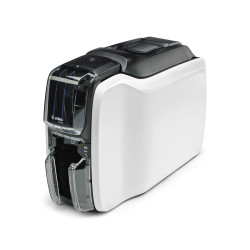
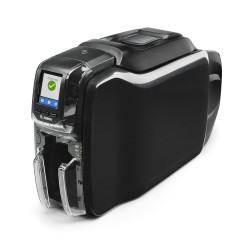
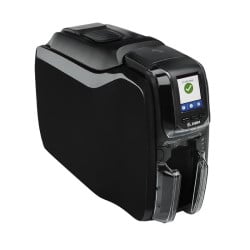
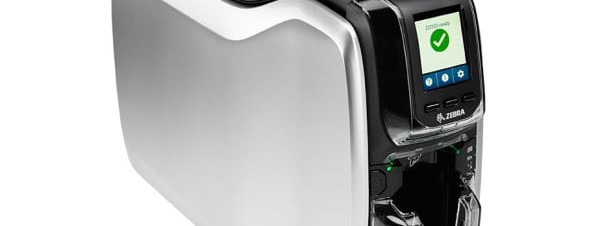
| Regular issuing at medium volume | Magicard 300, Zebra ZC300 | Magicard 300: up to 10,000 ID cards a year with a 100 card input hopper. ZC300: up to 200 colour cards an hour single sided. |
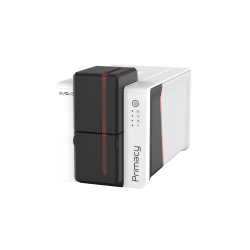
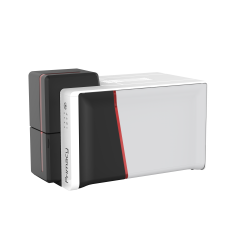
| Medium to large volumes | Evolis Primacy 2, Magicard 600 | Primacy 2: up to 280 colour cards an hour single sided. Magicard 600: up to 190 colour cards an hour. |
Hand fed printers take one card at a time, which is fine at a reception desk but slow for a start of term enrolment. If you print in batches, look for an input hopper that holds at least a day's run.
Do you need single or double-sided printing?
A single-sided printer covers a photo, name and logo on the front. Choose double-sided if the back must carry terms of use, a barcode, emergency contacts or a signature panel. Some models can be upgraded later. The Evolis Primacy 2 can add double-sided printing on site and the FARGO DTC1250e can be field upgraded to dual-sided. Our guide to single vs double-sided ID card printers compares the two in detail. You can also browse double-sided ID card printers directly.
Should you choose a direct to card or retransfer printer?
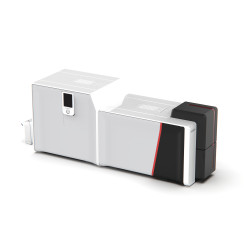
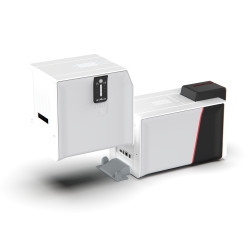
A direct to card printer presses the ribbon straight onto the card surface. It is the most common type and suits standard PVC photo ID. A retransfer printer prints onto a clear film first, then bonds that film to the card with heat. The Evolis Agilia page explains the result: true edge to edge coverage, fine detail at 600 dpi and a clean finish on cards with chips or uneven surfaces.
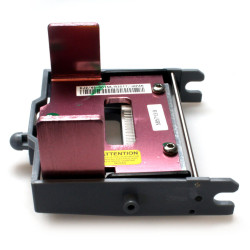
This matters for access control cards. Our pages for the Magicard Pronto100 and the IDP Smart 21S both advise against printing over an embedded chip, because it can damage the printhead. If most of your cards carry a chip, look at retransfer ID card printers such as the Evolis Agilia or the FARGO HDP5000e. Retransfer printers also take a wider range of card materials. The Agilia lists PVC, composite PVC, PET, ABS and PC. For the running cost side, read the advantages of retransfer technology.
Will your ID cards need to be encoded?
If your cards open doors, release printing or hold a balance, the printer may need an encoder that writes to the card as it prints. Check the options on the printer page against the credential your system uses:
- Magnetic stripe: available on the Zebra ZC300 (high and low coercivity), the Evolis Zenius 2 Expert, the Primacy 2, the Magicard 300 and the FARGO DTC1250e.
- Contact and contactless chips: optional on the Primacy 2, the Zenius 2 Expert and the Magicard 300. The Agilia offers a dual contactless encoder covering MIFARE and DESFire. The DTC1250e can take an iCLASS SE encoder.
The system decides the card and the card decides the encoder. If you are unsure what your site runs, our guides to access control cards and fobs and smart card readers explain how to identify it.
Which security features do you need?
Security works at two levels: features printed onto the card and features that protect the data inside the printer.
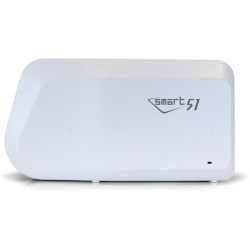
- On the card: Magicard printers lay a HoloKote watermark across the card. IDP printers add a customisable SmartMark overlay and the Smart 31 can print UV ink. The Evolis Primacy 2 can apply a UV effect with a YMCKOO ribbon.
- In the printer: The Evolis Zenius 2 and Primacy 2 erase print data after each job and the Primacy 2 adds Kineclipse to mask data on the used ribbon. Zebra ZC printers encrypt card data and authenticate the host computer. The FARGO DTC1250e uses AES-256 encryption with a Resin Scramble option.
Used ribbons can hold a readable image of every card printed, which is why data protection features matter. See meeting GDPR requirements with ID card printing and our overview of ID card security features.
What card design software is included?
Most printers include a starter design package:
- Evolis Zenius 2 and Primacy 2: ID-ALL Starter Edition.
- Evolis Badgy 200: Evolis Badge Studio.
- IDP Smart 21S and Smart 31: EasyBadge Lite, which is Windows only with a 100 record limit.
- FARGO DTC1250e: Swift ID embedded badging software.
- Evolis Agilia: cardPresso.
If you need more records or Mac support, plan for an upgrade. Our guide to software for ID card printing compares EasyBadge, CardPresso and CardExchange. The full range is on our ID card software page.
What are the running costs?
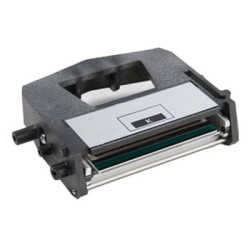
Running cost comes down to the ribbon, the blank card and how often you clean the printer. Ribbons are made for one printer family, so the printer you choose also fixes the consumables you will buy for its lifetime. Several printers are supplied without a ribbon or cards, including the Zebra ZC300, the Magicard 600 and the IDP Smart 31, so add consumables when you order or choose one of our ID card printer bundles. To work out a per card figure, see ID card printing cost per card. The ribbon letters are decoded in ID card printer ribbons explained.
What if you need large cards or a printer for one event?
Standard desktop printers are built for CR80 size cards. For event passes and credentials that must be read at a glance, oversized XL card printers such as the Zebra ZC10L and the Matica XL8300 print larger cards. If you only need one for a single project, the Matica XL8300 is also available on a seven day oversized printer rental.
What should you look for in a UK ID card printer supplier?
- Genuine, region correct consumables. Magicard and Zebra ZC ribbons are region coded, so a printer bought outside the EU may not accept a ribbon sold here. Our Evolis Agilia page notes that non-genuine ribbons or film void its printhead warranty.
- Manufacturer partnerships. Plastic-ID is a Magicard Approved Partner and an Evolis Platinum Partner, which brings product training direct from the manufacturer.
- Help matching cards and credentials. A supplier who also sells the access cards your site uses can check that the printer, encoder and card all work together.
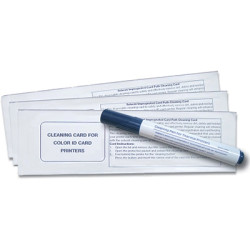
- Maintenance support. Regular cleaning protects print quality and printhead life. Our guide on how to clean an ID card printer covers the routine.
Which ID card printer should you buy?
Pick the printer that fits your busiest week, not your quietest. A hand fed entry printer suits a reception desk issuing a few photo IDs. A school or office issuing thousands of cards a year is better served by a printer with a 100 card hopper, a network connection and an encoder slot for later. Sites printing chip cards in volume should start with retransfer. If you would like a second opinion, tell the Plastic-ID team your card volume, the cards you use and whether they need encoding.