









































Most organisations issue ID cards to control who goes where. A card that anyone can copy offers very little protection. If a card carries no security features, a forged copy can look identical to the real thing and nobody at the door will notice.
The good news is that most security features cost little or nothing extra to add. Some are printed by your own ID card printer during the normal print run. Others are added to pre-printed cards before they reach you. The right mix depends on how much is at stake if a card is copied.
What is ID card cloning?
Cloning means copying a card so that the copy is accepted as genuine. There are two kinds:
- Visual forgery: reproducing the printed design so the copy passes a visual check at reception or a security desk.
- Electronic cloning: copying the data on the card's chip or magnetic stripe so a reader accepts the copy.
Printed security features stop the first. The card technology you choose stops the second. Strong ID uses both.
1. UV printing
UV printing adds text or images in an ink that is invisible in normal light. Under a UV torch it glows clearly. A photocopy or a standard print shows nothing, so a quick check with a pocket UV torch tells you straight away whether a card is genuine.
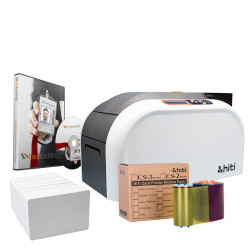
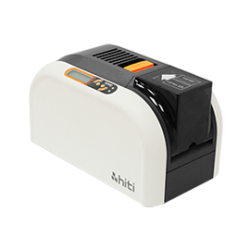
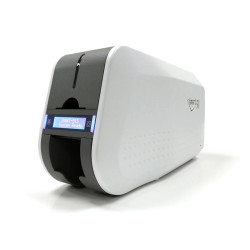
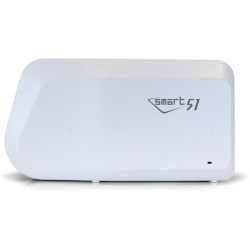
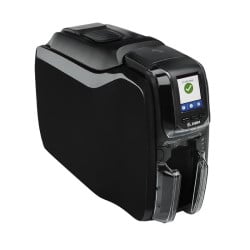
UV is the most widely used security feature because it can be printed in house. Many ID card printers accept a ribbon with a UV panel, such as the IDP Smart YMCKFO UV ribbon for the IDP Smart 31 and 51.
2. Holograms and holographic overlays
A hologram changes colour and appears to move as the card tilts. It is always visible but very hard to reproduce. Holograms can be supplied as a standard design or as a custom design with your own logo. They are usually applied as a laminate or pre-printed onto the cards.
3. Magicard HoloKote watermarks
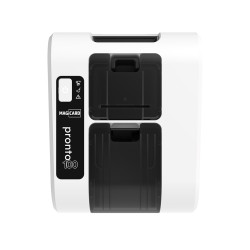
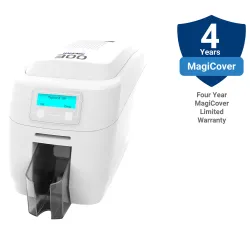
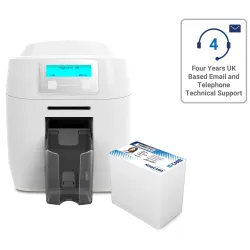
HoloKote is a feature of Magicard printers. It prints a subtle holographic watermark across the card during the normal print run, with no extra ribbon or laminate. The watermark shows when the card is tilted towards the light. Everything else on the card stays clear to read.
Standard watermark designs are built in. A custom HoloKote design with your own logo is also available. HoloKote is available on Magicard printers such as the Magicard 300 and Magicard 600.
4. Microtext (fineline printing)
Microtext is text printed so small that it looks like a solid line to the naked eye. Under a magnifier the line turns out to be tiny words. Most copying methods blur microtext into a plain line, so a magnifier shows whether a card is genuine.
5. Guilloche patterns
Guilloche is a pattern of fine interwoven lines, the same technique used on banknotes and passports. It is very hard to recreate accurately. Using a pattern unique to your organisation makes it harder still.
6. Encoded chips: the defence against electronic cloning
Printed features only protect the look of a card. If the card also opens doors, the chip matters just as much. Older 125kHz proximity cards send a fixed number that can be copied with cheap equipment. Smart cards such as MIFARE DESFire use encryption, so the data cannot simply be read and copied.
If your access cards are proximity cards and you are worried about copying, our guide 125kHz proximity vs MIFARE vs DESFire explains how to tell which card you have and what to move to.
Which security features do you need?
| Risk level | Typical use | Suggested features |
|---|---|---|
| Low | Visitor passes, event badges | Photo, clear design, UV print |
| Medium | Staff ID, membership cards | UV print plus HoloKote or a hologram |
| High | Restricted areas, high-value sites | UV, hologram, microtext, guilloche plus an encrypted smart card |
Frequently asked questions
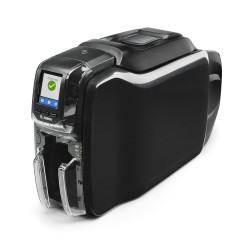
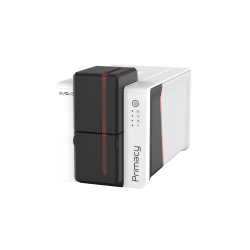
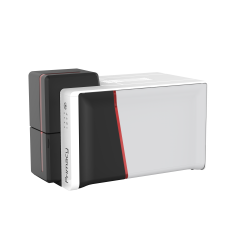
Can I add security features with my own ID card printer? Yes. UV printing needs a printer that accepts a ribbon with a UV panel. HoloKote watermarks are built into Magicard printers. Holograms, microtext and guilloche patterns are usually added to pre-printed cards.
How do I check whether an ID card is genuine? Use a UV torch to check for UV print, tilt the card to see a hologram or HoloKote watermark, then use a magnifier on any microtext.
Can proximity access cards be cloned? Many 125kHz proximity cards can be copied because they send a fixed number with no encryption. Encrypted smart cards such as MIFARE DESFire are much harder to copy.
Not sure which features suit your cards? Contact our team for advice.