













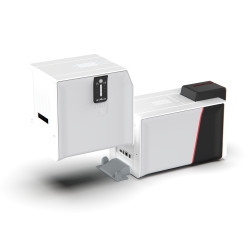
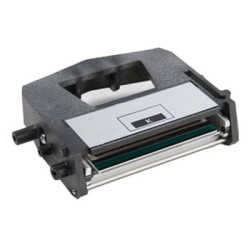
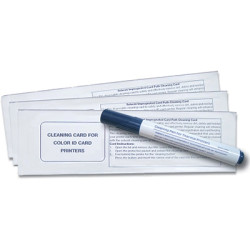



























In short: to clean an ID card printer, switch it off, remove the ribbon, wipe the printhead with an isopropanol cleaning pen or swab, then run a cleaning card through the card path and refresh any adhesive cleaning roller. An ID card printer cleaning kit for your exact model holds everything you need. We recommend a cleaning cycle after every ribbon change or at least every 500 cards, more often in a dusty or dirty environment. Clean straight away if specks, lines or patchy colour appear on your cards.
Regular cleaning is the cheapest way to protect print quality and the life of your printhead. This guide explains why it matters, what is inside a typical cleaning kit, how often to clean an ID card printer and how to spot the warning signs before they spoil a batch of cards.
Why should you clean an ID card printer?
Even tiny specks of dust can show up on a finished card. Over time they can also wear the printhead and other parts. Card printers pull blank cards past rollers and a hot printhead many times a day. Every card brings a little dust with it. Stray adhesive and fluff from packaging build up too.
That build-up causes three main problems:
- Print faults. Particles trapped between the ribbon and the card leave white spots, specks or lines on finished cards.
- Printhead wear. Debris dragged across the printhead can scratch or damage it. The printhead is one of the most costly parts to replace.
- Feeding problems. Dirty transport rollers lose grip, which can lead to misfeeds and card jams.
Card printer maintenance is simple. Whichever printer you use, a few minutes with the right kit protects the printhead, transport rollers and magnetic encoder parts.
What is in an ID card printer cleaning kit?
Kits differ by manufacturer and model, so always choose the ID card printer cleaning kit made for your printer. Most contain some combination of the following:
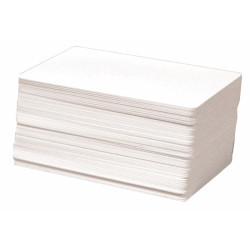
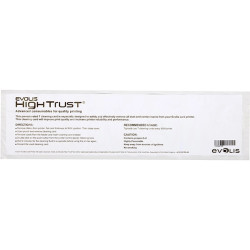
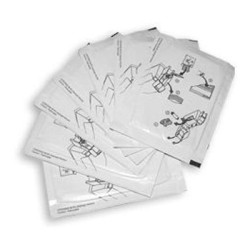
- Cleaning cards. These are usually CR80 size (85.6 x 54mm), the same as a standard ID card, so they run through the printer just like a blank card. They clean the printhead, rollers and card path as they pass through. See our ID card size guide for more on CR80.
- Cleaning pens and swabs. These are moistened with isopropyl alcohol (isopropanol) for wiping the printhead directly. Some kits pair a pen with cleaning cards so you can do both jobs at once.
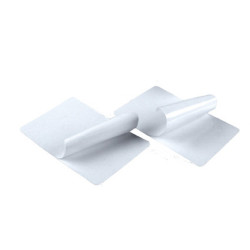
- Adhesive (sticky) rollers and sleeves. Many printers have a sticky cleaning roller that lifts dust off each card before it reaches the printhead. These are replaced periodically.
- Lint-free wipes. Some kits add wipes for cleaning rollers and the inside of the printer.
Some examples for printers we sell today show how kits vary:
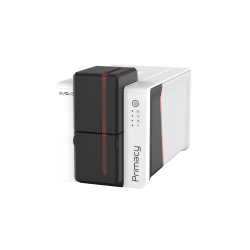
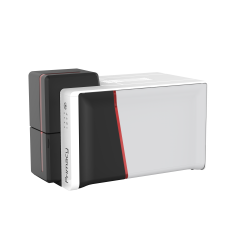
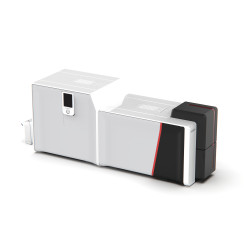
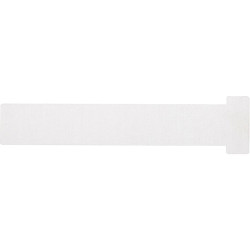
- Evolis Zenius and Primacy. The Evolis Regular Cleaning Kit (ACL001) holds five adhesive cleaning cards with swabs for regular maintenance. The Evolis T Card Cleaning Kit (ACL004) holds ten T cards. The Evolis T Card and Pen Cleaning Kit (ACL008) combines two long T shaped alcohol cleaning cards for the advanced cleaning cycle with an alcohol pen for the thermal printhead.
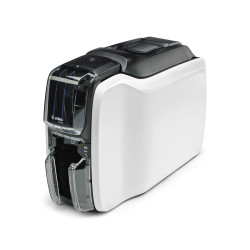
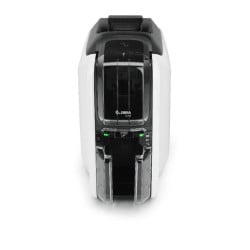
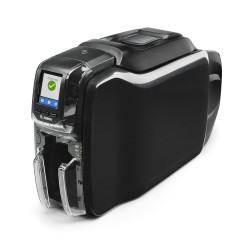
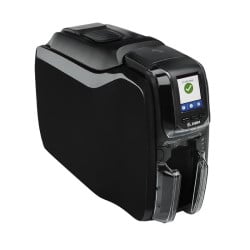
- Zebra ZC300 and ZC350. The Zebra ZC Cleaning Kit contains five cleaning cards.
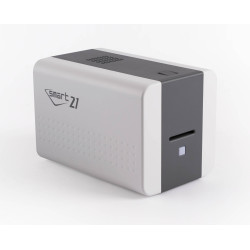
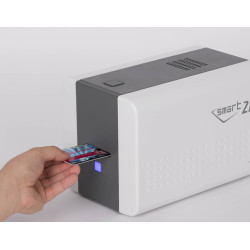
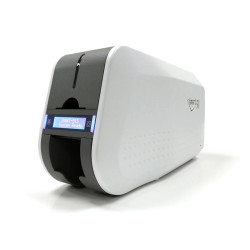
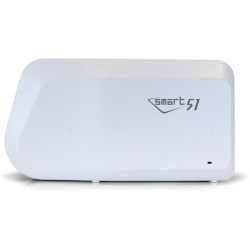
- IDP Smart 21, 31, 51 and 81. The IDP Smart 31/51 Printer Cleaning Kit (659909) contains ten long sleeve cleaning cards.
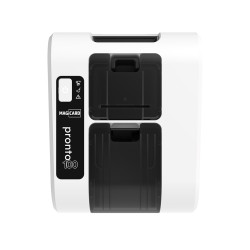
- Magicard Pronto100. The Magicard Pronto100 Cleaning Kit (E9100) contains ten cleaning cards and one alcohol cleaning pen.
You can browse every kit by printer brand in our cleaning cards and kits category.
How often should you clean an ID card printer?
We recommend running a cleaning cycle after every ribbon change or at least every 500 cards, whichever comes first. That is more often than most manufacturers suggest. The Magicard Pronto100 Cleaning Kit, for example, recommends a cleaning cycle every 1,000 cards. Cleaning a little more often costs very little and keeps dust away from the printhead before it can cause a fault.
Clean more often again if your printer works in a dusty or dirty environment, such as a warehouse, a workshop, a building site office or a reception area near an outside door. In those conditions dust builds up quickly, so a short weekly clean is a sensible habit.
Some printers also prompt you on screen when a cleaning cycle is due. Treat that prompt as the latest point to clean, not the first.
Whatever your routine, also clean:
- whenever print faults such as specks or lines appear
- after the printer has been moved, stored or left unused for a while
How do you clean an ID card printer step by step?
This is a general routine. Your printer's manual takes priority where it differs.
- Switch off and unplug the printer. Let the printhead cool if you have just been printing.
- Open the printer and remove the ribbon. Take out any cards in the hopper.
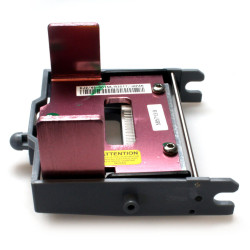
- Clean the printhead. Gently wipe it with an isopropanol cleaning pen or swab. Never use anything sharp or abrasive.
- Let it dry. Allow the alcohol to evaporate fully before you go on.
- Run a cleaning card. Close the printer, power it back on and start the cleaning cycle from the printer or its driver. Many printers ask you to leave the ribbon out for this, so follow the on-screen or manual instructions. Feed the cleaning card as instructed so it cleans the rollers and card path.
- Replace the ribbon. Once the cleaning cycle has finished, put the ribbon back and close the printer.
- Refresh the adhesive roller. Replace the sticky roller or sleeve if it is no longer tacky or is visibly dirty.
- Print a test card. Check for specks, lines or patchy colour before you print a full batch.
What are the signs your printer needs cleaning?
Most print faults point to a cause you can fix in minutes. Use this table to diagnose common problems.
| Symptom | Likely cause | Fix |
|---|---|---|
| White spots or specks on cards | Dust or debris on the card or ribbon | Run a cleaning card and replace the adhesive roller |
| Thin lines running across or along the card | Dirt or residue on the printhead | Clean the printhead with an isopropanol pen or swab |
| Patchy or uneven colour | Contamination on the card surface or printhead | Clean the printhead and handle cards by the edges |
| Cards misfeeding or jamming | Dirty transport rollers | Run a cleaning card through the card path |
| Faults remain after cleaning | Possible worn or damaged printhead | Contact your supplier for advice |
How do card quality and handling affect cleaning?
Clean cards mean a cleaner printer. Good habits reduce how often print faults appear:
- Do not touch the print surface. Natural oils from fingers can stop the ribbon transferring properly. Hold cards by the edges.
- Store cards in their packaging. Keep blank cards sealed until you load them so they stay free of dust.
- Use good quality blank cards. A smooth, clean surface gives a sharper print.
- Keep the printer covered. Close the lid when not in use and keep it away from dusty areas.
For more ways to improve results, read 5 products to improve your plastic card printing. Spoiled cards also waste ribbon, so a regular clean pays for itself.
Frequently asked questions
What is the quickest way to clean an ID card printer?
Running a cleaning card through the printer is the quickest routine clean. For a full clean, also wipe the printhead with an isopropanol pen or swab and refresh the adhesive roller.
How often should I clean my ID card printer?
We recommend a cleaning cycle after every ribbon change or at least every 500 cards, which is more often than most manufacturer guidance. Clean more often still if the printer is in a dusty or dirty environment.
Can I use any cleaning kit in my printer?
No. Choose the ID card printer cleaning kit made for your printer model. Cleaning cards, rollers and sleeves are designed to fit specific machines.
What does a cleaning card do?
A cleaning card runs through the printer like a blank card. It picks up dust and debris from the printhead, rollers and card path as it passes.
How often should I replace the adhesive cleaning roller?
Follow your printer manufacturer's guidance. Replace it sooner if it is visibly dirty or no longer feels tacky.
Can I clean the printhead with household cleaner?
No. Use the isopropanol cleaning pen or swab supplied for your printer. Household products can leave residue or damage the printhead.
Which cleaning kit do I need for my printer?
It depends on the make and model. For example, the IDP Smart 31/51 Printer Cleaning Kit (659909) suits the Smart 21, 31, 51 and 81. The Zebra ZC Cleaning Kit suits the ZC300 and ZC350. The Evolis Regular Cleaning Kit (ACL001) suits the Zenius and Primacy.
Need the right kit? Browse our cleaning cards and kits by printer brand. If you are not sure which kit fits your printer, get in touch with our team and we will be happy to help.