








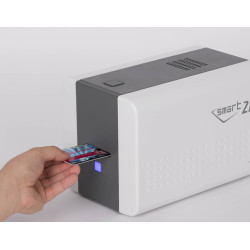
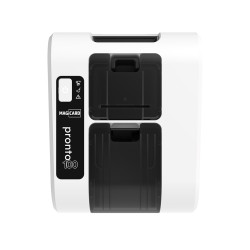

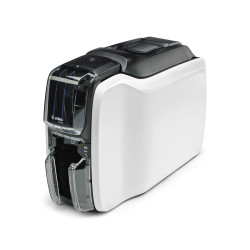
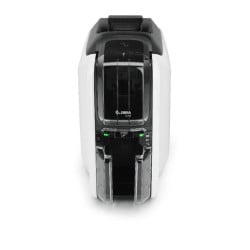
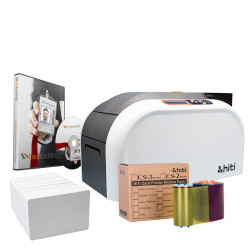
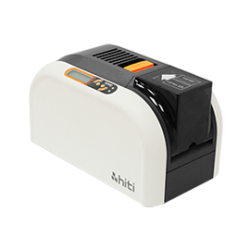
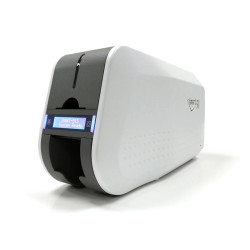
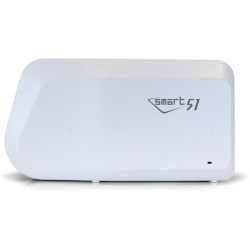
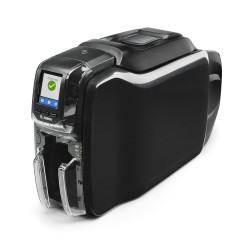
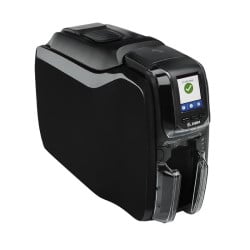
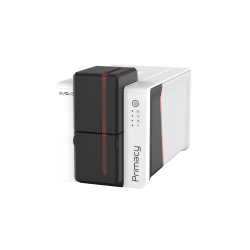
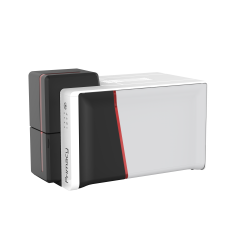




















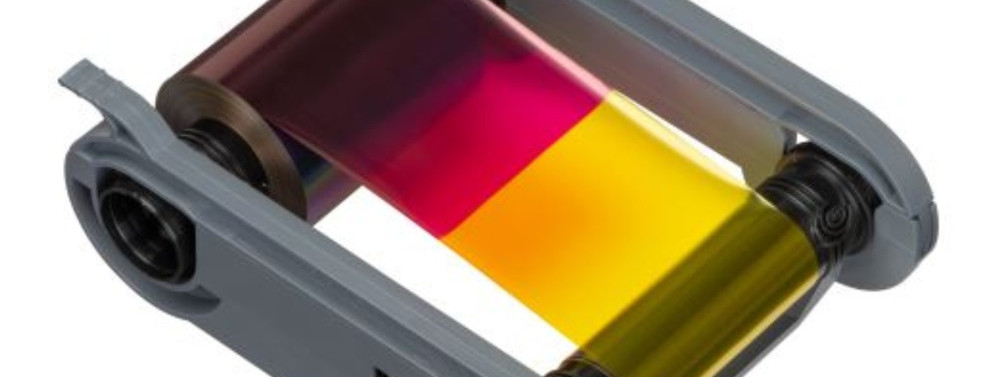
In short: ID card printer ribbons are coded by their panels. Y, M and C are the dye colours for photos, K is resin black for text and barcodes and O is a clear overlay that protects the card. A YMCKO ribbon prints a full-colour single side, YMCKOK adds a second black panel for the back, KO prints black with an overlay and a monochrome ribbon prints one colour only. Every ribbon is made for a specific printer, so start with your printer model and the part code on the ribbon you use now.
Part numbers like MC300YMCKO/3 or R5H204E100 can look more like a password than a product. This guide explains what the letters mean, how dye-sub colour differs from resin black and how to choose the right card printer ribbon first time.
What do the letters on ID card printer ribbons mean?
Each letter stands for one panel on the ribbon, printed in that order. A YMCKO ribbon has five panels in a repeating sequence and every sequence prints one card side.
| Letters | Panels | What it prints | Typical use |
|---|---|---|---|
| YMCKO | Yellow, magenta, cyan, black resin, overlay | Full colour on one side with a clear protective layer | Photo ID, staff and visitor passes |
| Half-panel YMCKO | Half-width Y, M and C, full K and O | Colour on part of the card only | Cards where only the photo is in colour |
| YMCKOK | YMCKO plus a second black resin panel | Colour front, black back | Double-sided cards with text or a barcode on the reverse |
| YMCKK | Yellow, magenta, cyan and two black panels | Colour plus black on the reverse, no overlay | Double-sided cards where no overlay panel is needed |
| YMCK | Yellow, magenta, cyan, black | Full colour without an overlay panel | Retransfer printers, where a clear film protects the card |
| KO | Black resin, overlay | Black only, sealed with an overlay | Text and barcode cards that need extra wear resistance |
| K (monochrome) | One resin panel | A single colour: black, a colour or metallic | Names, numbers and barcodes at high volume |
What is the difference between K and O?
K is black and O is clear. The K panel is a resin black that gives sharp text and barcodes that scanners can read. The O panel lays a clear protective layer over the card to help prevent fading and everyday wear.
What does the second K in YMCKOK mean?
The second K is a black resin panel for the back of the card. A dual-sided printer uses YMCKO on the front, then flips the card and prints the reverse in black. This suits cards with a photo on the front and terms, a signature area or a barcode on the back.
What is a half-panel YMCKO ribbon?
A half-panel ribbon has colour panels about half the width of the card. It is designed for layouts where colour only covers part of the design, such as a photo strip, while the black and overlay panels still cover the whole card. Because each colour panel is smaller, the roll lasts longer. On the Evolis Primacy 2, for example, the half-panel YMCKO ribbon (R5H204E100) is rated at 400 images against 300 for the full YMCKO (R5F208E100). Half-panel ribbons also suit personalising preprinted cards.
What do T, F and P mean?
Some brands use extra letters. T marks a clear topcoat panel, as in a YMCKT ribbon. F marks a UV fluorescent panel used as a security feature, as on the YMCFKO ribbon (659380) for the IDP Smart 31 and Smart 51. P is a primer panel that helps the image stick to different card types.
What is the difference between dye-sub and resin?
The Y, M and C panels are dye-sublimation. Heat from the printhead turns the dye into a vapour that soaks into the surface of the card, so the three colours blend smoothly into photo-quality images. The K panel is resin. It melts and sits on top of the card as a solid, crisp layer. That is why resin black is the right choice for small text and barcodes, while dye-sub colour is the right choice for faces and logos.
What is a monochrome ribbon?
A monochrome ribbon is a resin ribbon that prints one colour from a single panel. Black is the most common. The Evolis Primacy 2 ribbons include monochrome rolls in blue, red, green and white, plus metallic gold and silver. White (RCT215NAAA) is made for printing onto dark cards. A grey scratch-off ribbon (RCT218NAAA) hides information such as a gift card value until it is scratched away. Because there is only one panel per card, monochrome ribbons give much higher yields than colour ones. The IDP Smart 51 ribbons show the pattern well: the black monochrome ribbon (659367) is rated at 1200 images per roll against 250 for the YMCKO (659366).
What does "images per roll" mean?
Images per roll is the number of card sides a ribbon can print. One image uses one full set of panels. Printing both sides in colour uses two sets, so the count halves. The Magicard ME300YMCKO, a YMCKO ribbon for printing paperboard cards on the Magicard 300, is rated at 300 single-sided prints or 150 double-sided. A YMCKOK ribbon counts a colour front plus a black back as one image: the Primacy 2 YMCKOK ribbon (R6F203E100) is rated at 200 images on that basis. Yield is the biggest factor in the ribbon cost of each card, which our guide to ID card printing cost per card works through in more detail.
Why are ID card printer ribbons printer-specific?
ID card printer ribbons are built for one printer family. The ribbon width, the cartridge or core and the way the printer recognises the ribbon all differ between brands and often between models from the same brand. Some ribbons are chipped for a region. On Magicard 300 ribbons a /3 suffix shows the region: the MC300YMCKO/3 is for printers supplied in Europe, Japan, South Korea and Australasia. Zebra ZC300 ribbons carry regional restrictions too. A printer bought outside the EU may not accept a ribbon sold here. A replacement ribbon can also need a printer update first. The HID FARGO 45230 YMCKO ribbon for the DTC4500e needs printer firmware 3.7.0.8 and driver 5.6.0.8 or later before it is fitted.
How do I find the right ribbon for my printer?
Start with the make and model of your printer, which is usually on a label on the printer. Then check the part code on the ribbon or box you are using now and match it on the product page. Our ribbon pages list the compatible printers. Finally decide on the panel set: YMCKO for colour on one side, YMCKOK for colour front and black back or a monochrome ribbon for text only. You can browse by brand from our ID card printer ribbons page, including Evolis, Magicard, IDP, Zebra and FARGO.
What is retransfer film?
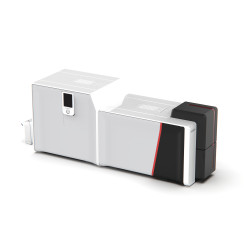
Retransfer printers work in two steps. The design is printed onto a clear transfer film, which is then bonded onto the card with heat and pressure. These printers need a dye film (the colour ribbon) and a retransfer film. The Magicard Prima 8 and the Evolis Agilia both work this way. The Agilia, for example, pairs a YMCK or YMCKK colour ribbon with the RTCL100NAAA retransfer film. Retransfer printing covers the card edge to edge and suits cards with uneven surfaces, such as access control cards. Read more in our post on the advantages of retransfer technology.
How should I store card printer ribbons?
Store ribbons somewhere cool and dry, out of direct sunlight. Kept that way, a ribbon typically lasts about a year. Older or badly stored ribbons can rip, print poorly or jam the printer. Keep them in their packaging until you need them. Ribbons print onto standard CR80 cards, the 85.6 x 54mm credit card size covered in our ID card size guide.
Frequently asked questions
What does YMCKO stand for?
YMCKO stands for yellow, magenta, cyan, black and overlay. The three colour panels print photos and graphics, the black resin panel prints text and barcodes and the overlay seals the card with a clear protective layer.
What is the difference between YMCKO and YMCKOK?
A YMCKO ribbon prints full colour on one side. A YMCKOK ribbon adds a second black panel so a dual-sided printer can print black text or a barcode on the back of the same card.
What is a KO ribbon?
A KO ribbon has a black resin panel and a clear overlay panel. It prints black text and barcodes with a protective coat in one pass, which suits single-colour cards that need to last.
Can I use any ribbon in my ID card printer?
No. ID card printer ribbons are made for specific printers and many are chipped, sometimes for a particular region. Always match the part code and the compatible printer list before you order.
How many cards does a ribbon print?
It depends on the ribbon. Yield is quoted as images per roll. Colour ribbons print fewer images than monochrome ones and printing both sides in colour halves the count. Check the figure on each product page.
How long do ID card printer ribbons last in storage?
Stored cool, dry and out of direct sunlight, a ribbon typically lasts about a year. Use older stock first.
Not sure which ribbon your printer takes? Send us your printer make and model and the Plastic ID team will point you to the right ribbon before you order.