












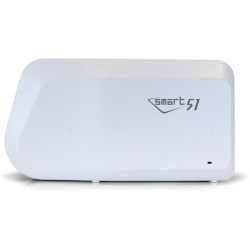
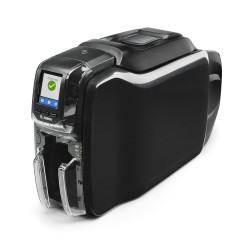
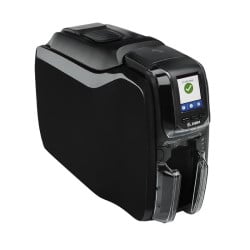
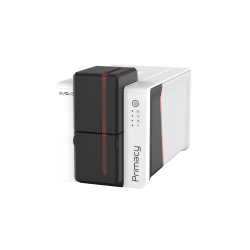
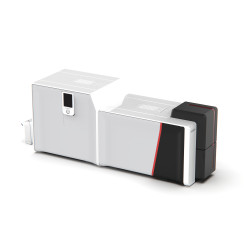
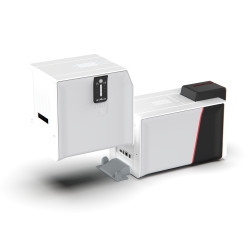
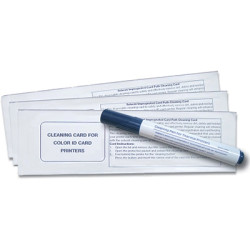





















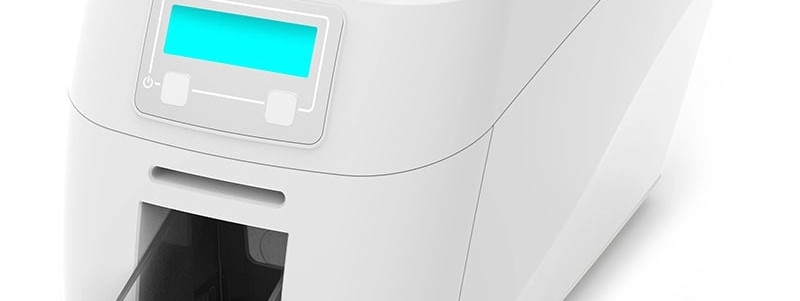
In short: The Magicard 300 is a UK-built ID card printer for schools, colleges and medium sized organisations printing up to 10,000 cards a year, with a 100 card hopper, an optional dual-sided model and Magicard's HoloKote watermark. Two Evolis ID card printers are the closest alternatives. The Zenius 2 is a compact single-sided printer for smaller runs. The Primacy 2 is faster and more expandable for medium to large volumes. Choose by volume, sides and the security features you want on the card.
What is the Magicard 300 ID card printer?
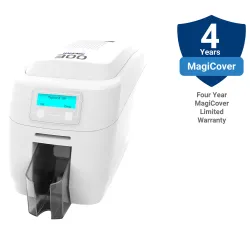
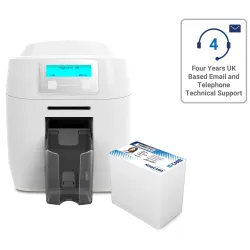
The Magicard 300 is a desktop printer built for organisations that issue staff ID badges, student passes or membership cards day after day. Its product page sets out the main points:
- 300 x 300 dpi print resolution for photos, text and logos.
- A full colour card with a HoloKote watermark in under 23 seconds. A single colour card takes a few seconds.
- A 100 card input hopper for batches, plus a manual feed for single cards.
- USB and Ethernet connection.
- Optional magnetic stripe and contact or contactless encoding.
- A dual-sided version, known as the Duo.
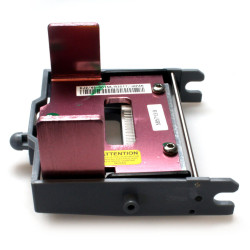
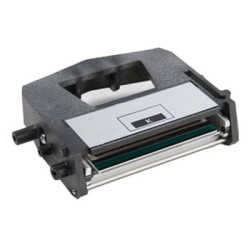
- An intelligent ribbon management system designed to cut ribbon waste.
Magicard's HoloKote watermark is printed across the card as a visual security layer, which makes counterfeit or tampered cards easier to spot.
Which Evolis ID card printers compare with the Magicard 300?
Our Evolis printers page covers the Badgy 200, Zenius 2, Primacy 2 and Agilia. Two of them sit either side of the Magicard:
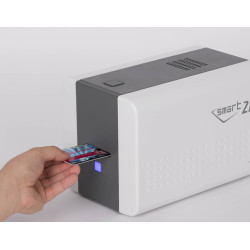
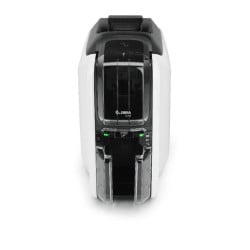
- Evolis Zenius 2: a compact single-sided printer for small and medium runs. The Classic version connects by USB to one computer. The Expert adds Ethernet, encoding options and support for the YMCKOO ribbon.
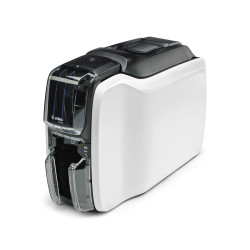
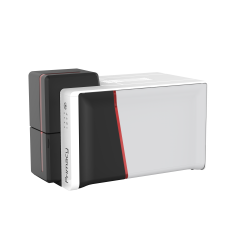
- Evolis Primacy 2: built for medium to large volumes, single or dual-sided, with upgrades that can be fitted later on site.
At the ends of the range, the Badgy 200 is an entry level printer for small regular runs and the Agilia is a retransfer printer for production quality and chip cards.
How do the Magicard 300, Zenius 2 and Primacy 2 compare?
| Magicard 300 | Evolis Zenius 2 | Evolis Primacy 2 | |
|---|---|---|---|
| Designed for | Up to 10,000 cards a year | Small and medium runs | Medium to large volumes |
| Print sides | Single or dual-sided (Duo) | Single-sided only | Single or dual-sided |
| Colour speed | Under 23 seconds per card with HoloKote | Up to 180 cards an hour | Up to 280 cards an hour single-sided, 170 dual-sided |
| Resolution | 300 x 300 dpi | 300 x 300 dpi | 300 x 600 dpi colour |
| Input hopper | 100 cards plus manual feed | 50 cards plus manual slot | 100 cards, 200 card feeder as an upgrade |
| Connection | USB and Ethernet | Classic: USB. Expert: USB and Ethernet | USB and Ethernet, WiFi optional |
| Encoding | Magnetic stripe, contact or contactless options | Expert only: magnetic stripe, contact, contactless | Magnetic stripe, contact, contactless |
| Card and data security | HoloKote watermark | Digital erasing, Kensington lock slot, UV with YMCKOO (Expert) | Kineclipse, digital erasing, mechanical key lock, UV with YMCKOO |
| Design software | CardExchange GO in the Starter bundle | ID-ALL Starter Edition | ID-ALL Starter |
| Main colour ribbon | MC300YMCKO/3 | R5F202E100 | R5F202E100 or R5F208E100 |
When is the Magicard 300 the better choice?
- You want a printed security feature as standard. HoloKote is included on most Magicard printers, so every card can carry the watermark.
- You may need both sides later. The Zenius 2 is single-sided only. The Magicard has a Duo version for colour on the front and black on the back.
- You print in batches. The 100 card hopper holds twice as many cards as the Zenius 2 input hopper.
- You prefer a UK-built printer. The Magicard 300 is a UK-built printer.
It suits a school issuing student passes at the start of term or an office reissuing staff badges through the year.
When does an Evolis ID card printer make more sense?
- Choose the Zenius 2 for a single desk issuing moderate numbers of photo ID or membership cards. It is compact at 196 x 205 x 310mm and 3.3kg. Rewrite technology comes as standard, so visitor or library cards can be erased and reprinted.
- Choose the Primacy 2 for higher throughput or a printer that will grow. Double-sided printing, the 200 card feeder, encoders, a lamination module and an LCD screen can all be added later. It runs on Windows, Mac and Linux and a YMCKOO ribbon adds a double overlay for three times the abrasion resistance of a standard YMCKO card.
- Choose the Agilia if most of your cards carry chips. As a retransfer printer it prints onto film first, so it handles chip cards and uneven surfaces with true edge to edge coverage.
How do Magicard 300 and Evolis ribbons compare?
Ribbon cost depends on the yield and the panels you choose, so compare the cost per card rather than the cost of each roll. Our guide to ID card printing cost per card shows how to work it out. A few points are worth knowing before you buy:
- Magicard 300 ribbons include the MC300YMCKO/3 (300 images), the MC200YMCKO/3 (200 images, shared with the Magicard 600 and E+), the MC250YMCKOK/3 for the Duo and a range of monochrome colours. The /3 suffix marks ribbons for printers supplied in Europe, Japan, South Korea and Australasia.
- Evolis Primacy 2 ribbons include the R5F202E100, which also fits the Zenius 2. The 300 image R5F208E100 and the YMCKOK R6F203E100 are for the Primacy 2 only.
- Evolis Easy4Pro ribbons for the Primacy 2 come without the standard packaging, which cuts waste for high volume printing.
Ribbons are not interchangeable between brands. For what the panel letters mean, see ID card printer ribbons explained.
What other printers should you consider?
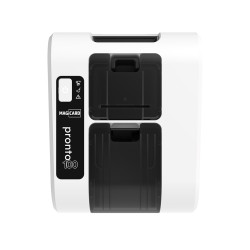
If the 300 is close but not quite right, two other Magicard models are worth a look. The Magicard 600 prints faster and at a higher quality than the 300, at up to 190 colour cards an hour and 600 x 300 dpi, with USB, Ethernet and WiFi as standard. The Magicard Pronto100 is the smallest, a hand fed printer for standard staff ID and visitor cards that do not need encoding.
If you are still deciding whether you need the back of the card, read our guide to single vs double-sided ID card printers or browse all ID card printers. If you would like help choosing between Magicard and Evolis, the Plastic-ID team can talk it through with you.