








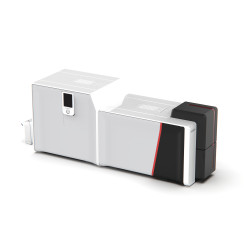
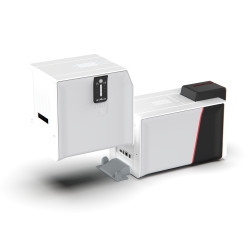
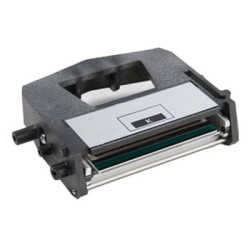
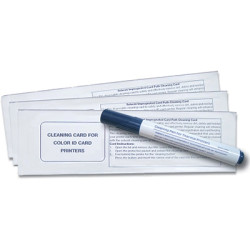


















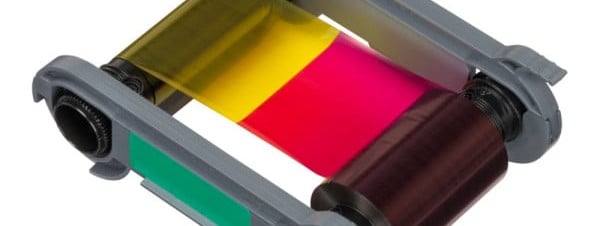
In short: Compatible printer ribbons are the ribbons made for your printer's model family. Ribbons from another brand will not fit and ribbons for another model from the same brand often will not either. Find the make and model on the printer label, match it in the tables below and then choose the panel set you need. Some ribbons are region coded and some part codes have changed, so check the notes before you reorder.
What does "compatible" mean for badge printer ribbons?
A badge printer ribbon has to match the printer in its width, the cartridge or core that loads into the printer and the way the printer recognises the ribbon. Some ribbons are also chipped for a region. That is why printer ribbons are specific to one printer family. Our guide to ID card printer ribbons explained covers the panel letters such as YMCKO and KO in detail.
Two further checks catch people out:
- Region coding. Magicard ribbons ending /3 are for printers supplied in Europe, Japan, South Korea and Australasia. Zebra ZC ribbons are region coded too. A printer bought outside the EU may not accept a ribbon sold in the UK.
- Genuine supplies. Our Evolis Agilia page notes that non-genuine ribbons or film void its printhead warranty. Our IDP Smart 81 ribbon page notes that non-certified supplies may void the printer warranty.
How do you find the right ribbon for your printer?
- Read the make and model from the label on the printer.
- Check the part code on the ribbon or box you use now.
- Find your printer in the tables below and open its ribbon page.
- Choose the panel set: YMCKO for colour on one side, YMCKOK for colour on the front and black on the back or a monochrome ribbon for text and barcodes only.
Which ribbons fit Evolis printers?
| Printer | Colour ribbon | Notes |
|---|---|---|
| Evolis Badgy 200 | CBGR0100C YMCKO | The colour ribbon for the Badgy 200. More on the Badgy ribbons page. |
| Evolis Zenius 2 | R5F202E100 YMCKO | Shared with the Primacy 2. Zenius 2 ribbons do not fit the first generation Zenius. See Zenius 2 ribbons. |
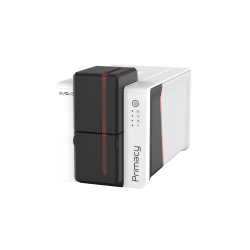
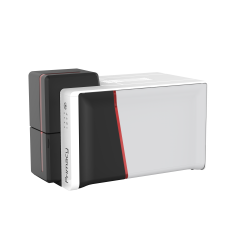
| Evolis Primacy 2 | R5F202E100 or R5F208E100 YMCKO | The 300 image R5F208E100 and the R6F203E100 YMCKOK are for the Primacy 2 only. See Primacy 2 ribbons. |
| Evolis Agilia | RT4F101E100 YMCK | Retransfer printer: use with RTCL100NAAA retransfer film. See Agilia ribbons. |
Evolis Easy4Pro ribbons for the Primacy 2 are supplied without the standard ribbon packaging, which cuts waste for high volume printing.
Which ribbons fit Magicard printers?
| Printer | Colour ribbon | Notes |
|---|---|---|
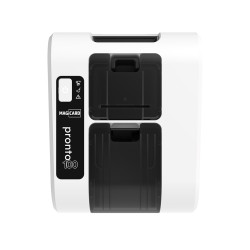
| Magicard Pronto100 | MD100YMCKO/3 | Includes a cleaning spool. See Pronto100 ribbons. |
| Magicard 300 | MC300YMCKO/3 | Also fits the Magicard E+. The MC250YMCKOK/3 is for the 300 Duo. See Magicard 300 ribbons. |
| Magicard 600 | MB300YMCKO/3 | The MC200YMCKO/3 also fits the 300, 600 and E+. See Magicard 600 ribbons. |
| Magicard Prima 8 | Prima833 YMCKK | Retransfer printer: use with Prima836 retransfer film. Prima834 adds a UV panel. See Prima ribbons. |
The MC300YMCKO page also notes that the Magicard Pronto takes a different ribbon, the MA300YMCKO, so check which Magicard you have before you reorder.
Which ribbons fit Zebra ZC printers?
| Printer | Colour ribbon | Notes |
|---|---|---|
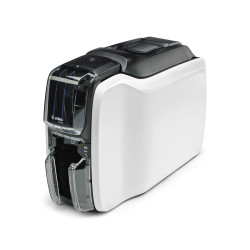
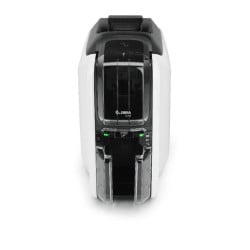
| Zebra ZC100 | 800300-250EM YMCKO | Shared with the ZC300. Includes a cleaning roller. See ZC100 ribbons. |
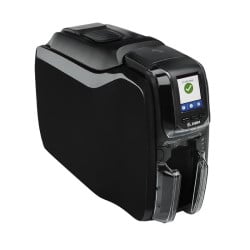
| Zebra ZC300 | 800300-255EM YMCKO | Previously 800300-550EM. The 800300-360EM YMCKOK is for the dual-sided ZC300. See ZC300 ribbons. |
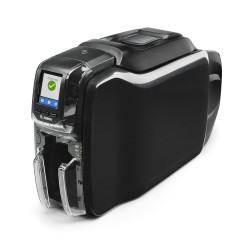
| Zebra ZC350 | 800350-252EM YMCKO | Previously 800350-550EM. Also fits the ZC150. See ZC350 ribbons. |
The ZC300 and ZC350 ribbon codes look alike but are not the same. ZC300 ribbons start 800300 and ZC350 ribbons start 800350.
Which ribbons fit IDP and HID FARGO printers?
| Printer | Colour ribbon | Notes |
|---|---|---|
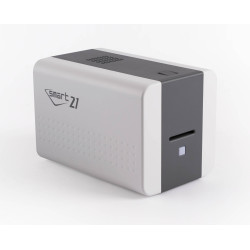
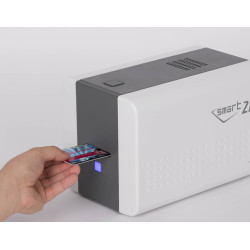
| IDP Smart 21S | Smart 21 YMCKO | For the Smart 21 series. See Smart 21 ribbons. |
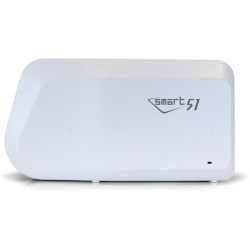
| IDP Smart 31 and Smart 51 | 659366 YMCKO | One ribbon range covers both. See Smart 31 ribbons and Smart 51 ribbons. |
| IDP Smart 70 | 659111 YMCKO | Supplied with a cleaning roller. See Smart 70 ribbons. |
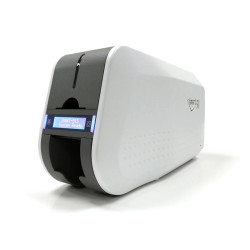
| IDP Smart 81 | 653547 YMCK ribbon and film set | Retransfer printer. See Smart 81 ribbons. |
| HID FARGO DTC1250e | 45030 YMCKO | Replaces the discontinued 045000. Needs printer firmware 3.7.0.8 and driver 5.6.0.8 or later. |
| HID FARGO DTC4500e | 45230 YMCKO | Replaces the discontinued 45200. Same firmware and driver update. See DTC4500 ribbons. |
| HID FARGO HDP5000e | 084511 YMCK | Use with 84500 or 84501 retransfer film. Fits HDP5000 printers made from 2018 onwards. Older models may need a firmware update. See HDP5000 ribbons. |
| HID FARGO HDP6600 | 084921 YMCK | Retransfer printer, so a clear film is needed too. See HDP6600 ribbons. |
HID has moved its FARGO ribbons to a new dye on smaller cores, so each roll prints more cards. Update the printer firmware and driver before fitting a 45030 or 45230 ribbon.
Which ribbons fit other common badge printers?
| Printer | Colour ribbon | Notes |
|---|---|---|
| Matica MC110, MC210 and MC310 | PR20305301 YMCKO | Direct replacement for PR20307301. |
| Pointman Nuvia N10, N15 and N25 | 66200740 YMCKO | One colour ribbon fits all three. See Pointman ribbons. |
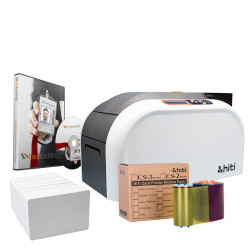
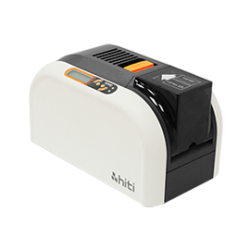
| HiTi CS-200e | 50-1010 YMCKO | Monochrome ribbons are on the CS-200e ribbons page. |
| Swiftpro K30 | 7710006155 YMCK and film set | Retransfer printer. For the K30 only. |
Do not see your printer? Browse every brand from our ID card printer ribbons page.
Why do retransfer printers need film as well as a ribbon?
A retransfer printer prints the image onto a clear film, then bonds the film to the card. That means two consumables: a colour ribbon and a retransfer film. The Evolis Agilia, Magicard Prima 8, HID FARGO HDP5000e and HDP6600 work this way. The IDP Smart 81 and Swiftpro K30 ribbons come as a set with the film. Order the film with the ribbon so you are not left with one and not the other.
How should you store printer ribbons?
Keep ribbons somewhere cool and dry, out of direct sunlight and use them within about a year for the best results. We recommend a cleaning cycle after every ribbon change or at least every 500 cards. Our guide on how to clean an ID card printer explains the routine.
Still not sure which ribbon your printer takes? Send the make, model and the code from your old ribbon to the Plastic-ID team and we will confirm it before you order.