






























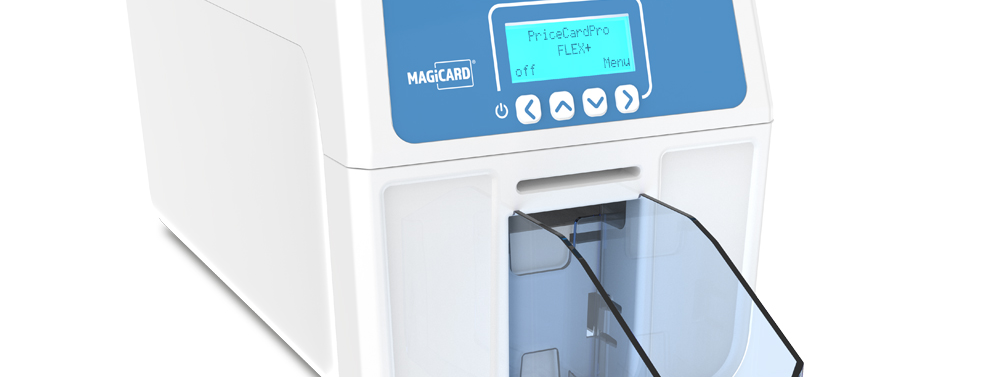
In short: a price card printer lets a shop print its own durable plastic price cards on demand instead of handwriting paper tickets. The Magicard PriceCardPro range prints full colour or monochrome price signs on card the size of a bank card, with the PriceCardPro Flex+ adding double-sided printing and long cards up to 140 x 54mm for allergens, ingredients or a barcode. Retailers design a template once, then reprint whenever a price or promotion changes.
Why are paper price tickets a problem for retailers?
Paper tickets and handwritten chalk signs look fine on day one. Then they meet a chilled counter, a wet display or a busy week. Paper curls, fades in sunlight and soaks up moisture. Handwriting varies from one member of staff to the next. Every promotion means another round of writing, cutting and pinning.
The bigger cost is time. When prices move weekly, someone has to rewrite every ticket that changed. Mistakes creep in and a counter can end up showing two different prices for the same product.
What is a price card printer?
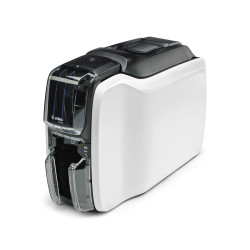
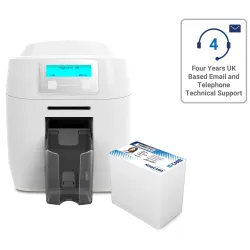
A price card printer is a compact card printer that prints prices, product names and branding straight onto plastic cards. It works in the same way as a plastic ID card printer, using dye-sublimation to print at 300dpi. The result is a crisp, consistent price sign that can be produced in the shop whenever it is needed.
The PriceCardPro range from Magicard is built for this job. The cards are food safe and wipe-clean, so a sign can sit right up against fresh produce and be cleaned at the end of a shift.
Who uses in-house price card printing?
Any retailer that changes prices often or displays loose and fresh products can benefit from a price card printer. Typical users include:
- Butchers, fishmongers and delis with counter displays
- Bakeries and farm shops selling fresh, seasonal lines
- Garden centres with plant tables and seasonal promotions
- Pharmacies and convenience stores with regular offers
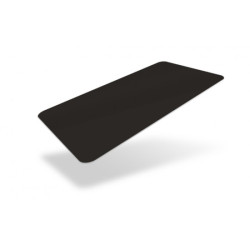
For example, a deli counter might keep a set of matt black cards with its logo on, then print new deli tickets each morning as the day's cheeses and cooked meats change.
How does printing shelf-edge price cards work?
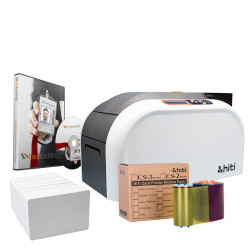
A price card printer system has four parts. The same setup can produce shelf edge labels, counter price signs and deli tickets:
- Design software. The PriceCardPro 100 printer does not include software. Plastic-ID recommends CardExchange PriceTag, which handles barcodes, allergen symbols and your own branding. PriceTag design software is included in the PriceCardPro Flex+ bundle.
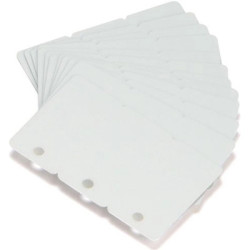
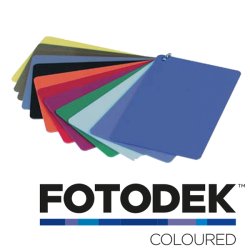
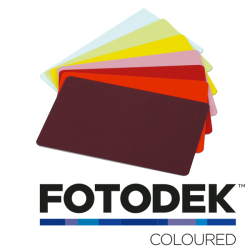
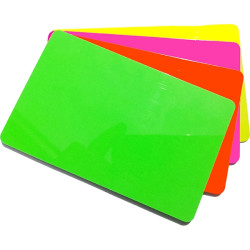
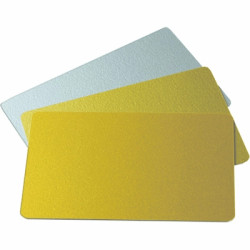
- Card stock. Plastic price cards come in finishes including black, white, slate, red and green. Matt black gives a high-contrast display.
- Ribbon. Monochrome ribbons print a single colour such as white on a dark card. A full-colour YMCKO ribbon prints logos, photos and graphics and works with both the PriceCardPro 100 and the Flex+.
- Print on demand. Open the template, change the price or product name, then print. There is no waiting for a print shop.
Which PriceCardPro price card printer should I choose?
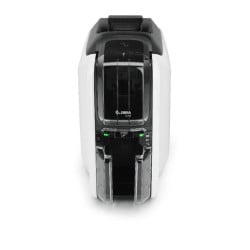
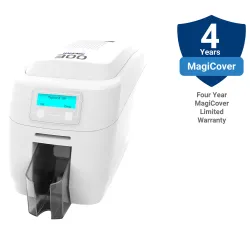
Choosing a price card printer comes down to volume, card size and whether you need both sides printed. The PriceCardPro 100 is Magicard's entry-level price sign printer. The PriceCardPro Flex+ is the step up for higher volumes and longer cards.
| Feature | PriceCardPro 100 | PriceCardPro Flex+ |
|---|---|---|
| Print technology | Dye-sublimation, 300dpi | Direct-to-card dye-sublimation, 300dpi edge-to-edge |
| Full colour or monochrome | Yes | Yes |
| Card formats | CR80 (86 x 54mm) | CR80 (86 x 54mm) plus long format up to 140 x 54mm |
| Printing sides | Single-sided | Double-sided on CR80, single-sided on long cards |
| Card feed | Hand-fed, one card at a time | Hopper: 100 input, 70 output |
| Listed print speed | Up to 766 cards/hour monochrome, up to 200 full colour | Up to 620 cards/hour monochrome, up to 156 full colour |
| Connectivity | USB or Ethernet | USB 2.0 and Ethernet |
| Operating systems | Windows, Mac, Linux | Windows, Mac, Linux |
| Size and weight | 208 x 179 x 309mm, 2.9kg | 251 x 210 x 386mm, 4.7kg |
When is the PriceCardPro 100 the right choice?
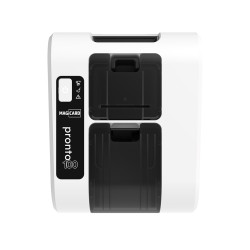
The PriceCardPro 100 suits a small business printing signs as needed. It is hand-fed, so you load each card yourself rather than leaving a batch to run. It is small enough to sit on a desk, under a counter or in a back room.
When should I step up to the PriceCardPro Flex+?
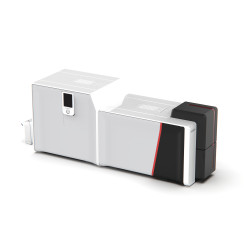
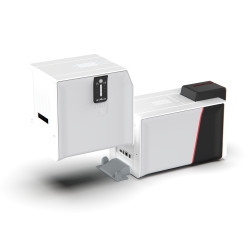
Choose the Flex+ when you print in batches or need more room on each card. Its hopper takes up to 100 cards, so a full set of price signs can print without you standing over it. The long 140 x 54mm card leaves space for a logo, a description, allergen icons or nutritional details next to the price.
What should go on a retail price card?
A good price card is easy to read from a step away. Keep these points in mind:
- Keep branding consistent. Use one template per display type with the same fonts, colours and logo position.
- Make the price the largest element. Product name second, extra detail third.
- Use the long card for detail. Allergen icons or an ingredients list can sit on the same card as the price instead of a separate sticker.
- Check the rules. Retailers must follow current pricing and food information regulations. Check the latest official guidance for what your price signs need to show. This article is not legal advice.
A price card printer makes that consistency easy because every card comes from the same template. Clear, consistent price signs make a display look cared for. That matters as much on a garden centre bench as on a butcher's counter.
How do I get started with a PriceCardPro price card printer?
- Count how many price signs you change in a typical week and whether you print one at a time or in batches.
- Decide whether standard CR80 cards are enough or whether you need long cards for allergens and descriptions.
- Pick the PriceCardPro 100 for hand-fed, single-sided printing or the Flex+ for batches, double-sided cards and long formats.
- Choose card finishes that suit your shop's look.
- Choose a monochrome or full-colour ribbon from the PriceCardPro ribbons range.
- Set up your design software with a small set of templates.
- Print a test batch, check it on the display, then roll it out across the shop.
If you would like help choosing a price card printer, the Plastic-ID team can talk you through which PriceCardPro setup fits the way your shop works.
Frequently asked questions
What is the difference between the PriceCardPro 100 and the PriceCardPro Flex+?
The PriceCardPro 100 is a hand-fed, single-sided printer for CR80 price cards. The Flex+ adds a card hopper, double-sided printing and long cards up to 140 x 54mm.
Are PriceCardPro price cards safe to use near food?
Yes. The cards are accredited as food safe and designed to be wiped clean. The PriceCardPro monochrome ribbons are food safe and ISEGA approved.
Do I need software to print price cards?
Yes. The PriceCardPro 100 price card printer does not include software. CardExchange PriceTag is recommended for designing cards with barcodes, allergen symbols and your branding. It is included in the PriceCardPro Flex+ bundle.
Can a price card printer print allergen information?
Yes. The PriceCardPro Flex+ prints single-sided on long cards up to 140 x 54mm, which gives room for allergens, ingredients and nutritional data alongside the price.
What size are PriceCardPro price cards?
Both printers take standard CR80 cards at 86 x 54mm, the same size as a bank card. The Flex+ also prints long-format cards up to 140 x 54mm.
Does the PriceCardPro 100 feed cards automatically?
No. It is hand-fed, so you insert one card at a time. That suits printing signs as needed rather than large unattended batches.