














































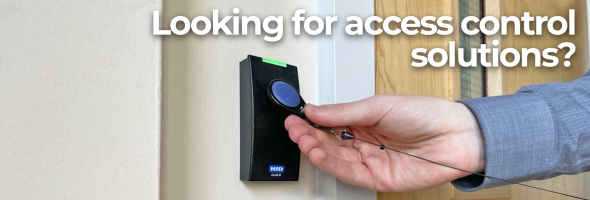


In short: Net2 access control for GP surgeries and clinics links every staff card or fob to a user record. Access levels keep treatment rooms, records rooms and other staff-only areas closed to people who should not be there. Locums and agency staff can be given tokens with start and end dates. A lost token is barred at every door the moment it is marked as lost and each user's events show where their token has been used. Hands-free tokens give staff contactless entry without touching the reader.
Most of what makes Net2 access control for GP surgeries useful happens in the software rather than at the door. This use case explains how a surgery or clinic can apply Paxton Net2 features, as described in Paxton's own documents, to everyday staff access. Door hardware and wiring are a job for your installer. The decisions below are the ones practice managers make.
How does Net2 access control for GP surgeries keep rooms restricted?
Each Net2 user has an access level that lists every door and the timezone when that door is open to them. With up to 250 access levels and 64 timezones, a practice can match access closely to roles. Paxton suggests that personnel teams often find it easiest to name levels by job type, for example:
- Clinical staff: consulting and treatment rooms plus staff areas during surgery hours.
- Reception and admin: front office, records room and staff areas.
- Practice manager: every door at all times.
- Cleaners: general areas at early morning or evening times only.
Paxton's own timezone example is a cleaner with access from 6am to 10am on weekdays and 7am to 11am on Saturdays. Timezones can hold several time slots each day, so a timezone can follow split sessions.
The Current validity tab on any user record highlights the readers that user can currently use, which makes it easy to check that a role has been set up correctly.
Which Net2 tokens suit healthcare staff?
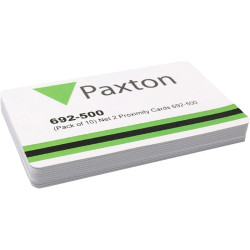
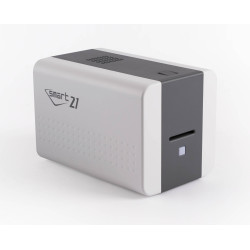
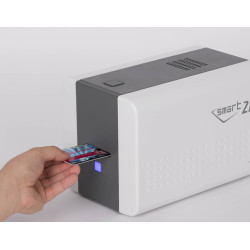
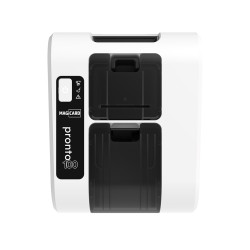
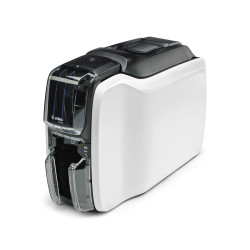
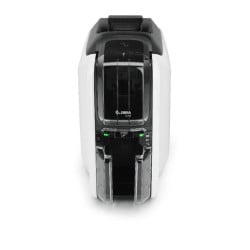
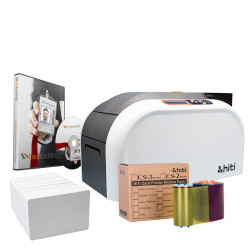
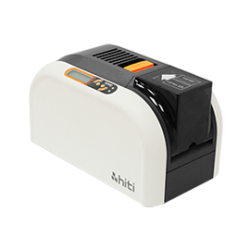
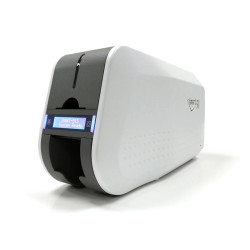
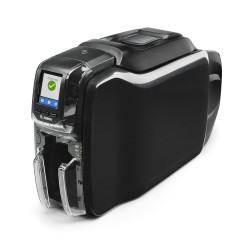
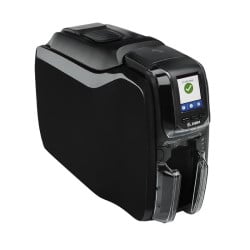
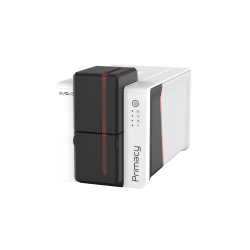
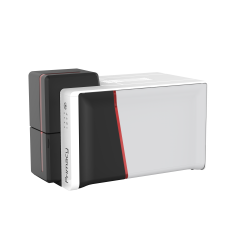
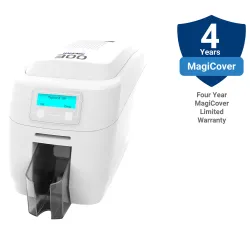
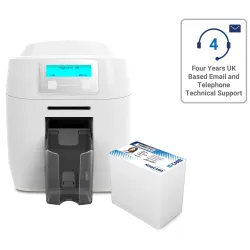
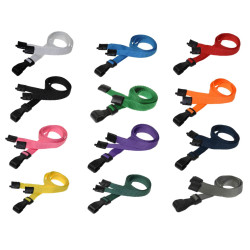
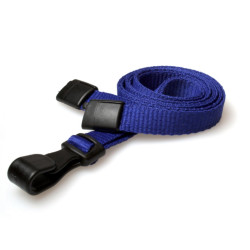
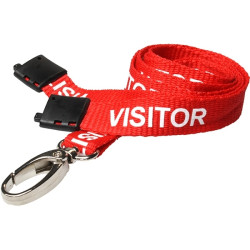
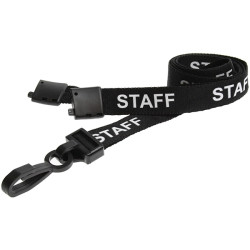
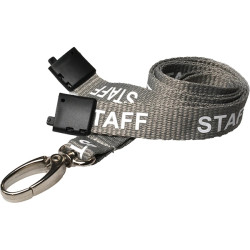
- Photo ID cards. Net2 ISO proximity cards can be printed with the staff member's photo, name and role on a dye sublimation ID card printer, then worn on a lanyard or badge reel.
- Keyfobs. The Net2 proximity keyfob suits staff who keep access on their keys.
- Hands-free tokens. With a hands-free interface fitted, the door releases as the person walks up to it. Paxton lists hygienic, touch-free entry in hospitals and clean room settings among its uses. The Net2 hands-free keycard and hands-free keyfob also work as normal tokens at Paxton proximity readers without an interface.
One user can hold more than one token, for example a photo card for the building plus a hands-free fob for a staff car park barrier.
How do you give locums and agency staff temporary access?
Set the Valid from and Expires end dates on the user record. The token works only between those dates, so access ends without anyone having to remember to cancel it. A token type can preset the access level, department, expiry period and card template for a group, such as locum clinicians, so each new record is quicker to create.
Departments help with reporting too. Grouping users by team lets you view and report on them together and change dates or access levels for the whole group from the department's Properties.
What should you do when a staff token is lost?
- Open the user's record and go to the Tokens tab.
- Select the missing token and click Lost token. It is barred from every door immediately.
- Enrol a replacement on the same record using the Net2 desktop reader. Their access level carries over.
- Watch for Lost Token events. If anyone presents the missing token, Net2 refuses entry and logs an alarm event.
If the token is found, the Found button reactivates it. When someone leaves the practice, the Bar user button blocks them from every door at once.
Can you see who has been through which door?
Yes. Every user record has an Events tab showing that person's activity, sortable by any column. It shows where they last presented their token, which helps when you need to find someone in a large building or review access to a sensitive room.
How do fire doors and emergencies work with Net2?
A fire escape door fitted with an electric lock needs a fail safe way to open in an emergency. Paxton describes the usual approach as a fail open lock, which unlocks when power is removed, plus a way of cutting that power such as a green or white break glass switch. Paxton says to avoid red so the switch is not mistaken for part of the fire alarm.
Net2 Professional can also open chosen doors when it receives a fire alarm signal and can produce a roll call report of who is in an area. Paxton stresses that the fire alarm link relies on the access control system working, so it is not fail safe on its own and a local release is still required.
How should the Net2 PC be protected?
Patient-facing sites hold personal data, so treat the Net2 PC with care. Paxton recommends a dedicated machine for the Net2 server, with physical access limited to authorised staff, operating system updates kept current and strong passwords for the server and its databases. From Net2 v5.04 Service Release 2 a new installation makes you set your own System Engineer password.
When printing staff cards, the live data preview in the Net2 Card Designer is limited to operators with standard permissions. For advice on disposing of printed cards and ribbons, see our guide to GDPR and ID card printing.
See the full range of tokens and readers on our Paxton page.