







































In short
- A single-sided ID card printer prints one face of the card. A double-sided ID card printer (also called dual-sided or duplex) prints both faces in one pass.
- A built-in card flipper module turns the card over automatically, so you load blank cards once.
- You need a back side if your cards carry a barcode, terms of use, a return address, emergency contact details or extra information for access control.
- Printing both sides uses more ribbon per card. Ribbons such as YMCKOK add a second black panel for the reverse.
- Some single-sided models can be upgraded to dual-sided later, so check before you buy.
Plastic ID card printers come in single-sided and double-sided versions. Choosing between a single-sided and a double-sided ID card printer comes down to one question: does anything need to go on the back of your cards? If every card only needs a photo, a name and a logo on the front, a single-sided ID card printer will do the job. If you need a barcode, terms and conditions, a return address or emergency details on the reverse, a double-sided ID card printer saves time and gives a neater result.
What is the difference between a single-sided and a double-sided ID card printer?
A single-sided ID card printer prints on one face of a plastic card. A double-sided ID card printer prints on both the front and the back in the same job.
Both types use the same printing methods. Most printers for plastic ID cards use dye-sublimation, where heat from the printhead transfers colour from a ribbon onto the card. Direct-to-card printers print straight onto the card. Retransfer printers print onto a clear film first and then bond that film to the card. Both methods come in single-sided and dual-sided versions for standard CR80 cards.
How does a double-sided ID card printer print both sides?
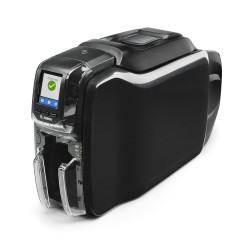
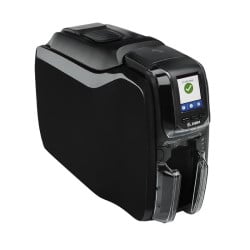
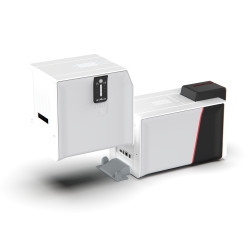
A double-sided ID card printer uses a card flipper module. After the printer finishes the front, the flipper turns the card over inside the machine and the printer prints the back. The card then drops into the output hopper finished on both sides.
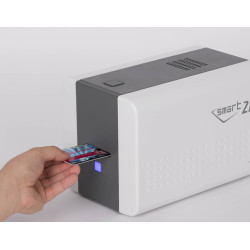
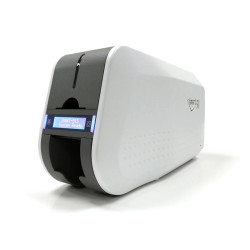
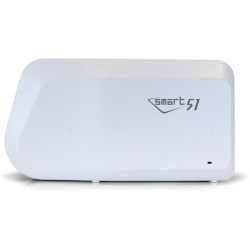
Nobody needs to touch the card. The IDP Smart 51S page describes it well: a flipper module converts the single-sided 51S into the dual-sided 51D, printing colour on the front and black on the back in one pass.
Can a single-sided printer print on the back of a card?
Yes, with a manual flip. You print the front, turn the card over by hand and feed it through the printer again for the back. This works for the occasional card. For regular batches it is slow. Handling every card twice also makes it easier to feed one the wrong way round.
Single-sided vs double-sided: comparison table
| Feature | Single-sided ID card printer | Double-sided ID card printer |
|---|---|---|
| Printable faces | Front only (back possible with a manual flip) | Front and back in one pass |
| How the back is printed | Card turned over and re-fed by hand | Automatic card flipper module |
| Typical ribbon | YMCKO (full colour plus overlay) or a monochrome ribbon | YMCKOK or other ribbons designed for two-sided printing |
| Ribbon use per card | Panels for one side | Panels for both sides, so more ribbon per card |
| Cards per hour | Higher for a given model | Lower, because each card is printed twice |
| Best for | Simple photo ID, visitor and membership cards | Cards with barcodes, terms, return addresses or emergency details |
When do you need to print on the back of an ID card?
You need the back when the front has no room for everything the card must carry. Common reasons:
- Barcodes and QR codes. A barcode on the reverse for library, catering or attendance systems keeps the front clear for the photo and name.
- Magnetic stripe cards. On a standard magstripe card the stripe sits on the back. Printed information on that side, such as a card number or instructions, needs a printer that can reach the reverse.
- Terms of use and a return address. A short "if found, please return to" line and the conditions of use are typical on staff and student cards.
- Emergency information. Out-of-hours contact numbers, first aid or site safety details are useful on cards worn on site.
- Access control cards. Proximity and smart cards may need a card number or site details printed on the reverse. Choosing card technology too? See our guide to proximity vs MIFARE vs DESFire.
Does a double-sided ID card printer cost more to run?
Usually yes, per card. A ribbon is made of panels and the printer uses panels for each side it prints, so a two-sided card uses more ribbon than a one-sided card. The exact difference depends on the ribbon.
What do YMCKO and YMCKOK mean?
The letters describe the panels on the ribbon. Y, M and C are yellow, magenta and cyan, which combine to make full-colour images. K is a black resin panel for sharp text and readable barcodes. O is a clear overlay panel that protects the printed card from fading and wear.
- YMCKO is the standard full-colour ribbon for printing one side.
- YMCKOK adds a second black panel for the reverse. It gives a full-colour front and a black back. The Zebra YMCKOK ribbon, for example, is a 6-panel ribbon made for cards that need detailing on both sides.
- Monochrome ribbons print a single colour, often black. They usually give many more prints per ribbon than full-colour ribbons, which makes them an economical choice for text and barcodes.
Always check that a ribbon is listed as compatible with your exact printer model. You can browse ribbons by printer in our ID card printer ribbons range. For a full breakdown of what goes into each card, read our guide to ID card printing cost per card.
Is a double-sided ID card printer slower?
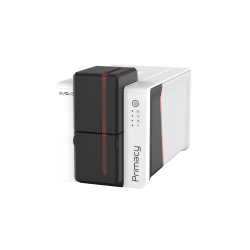
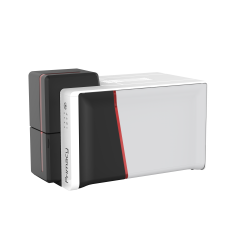
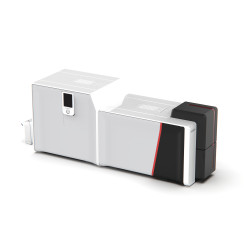
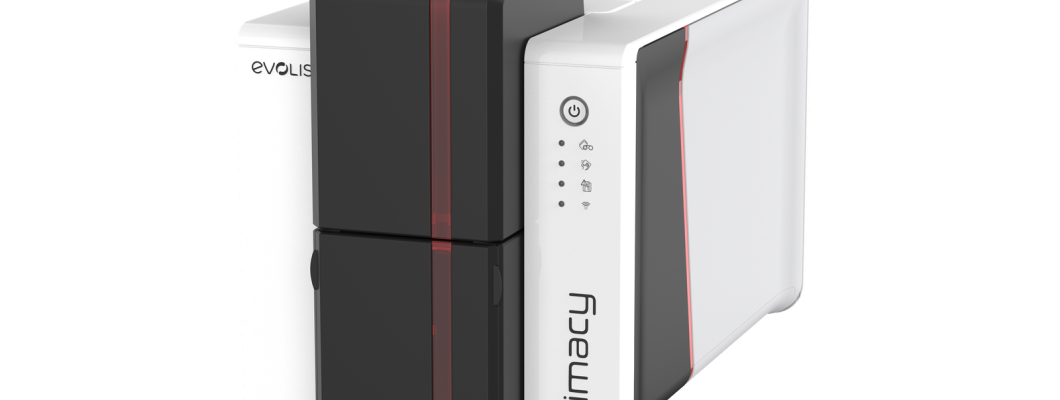
Yes, because every card is printed twice. The Evolis Primacy 2 prints up to 280 cards per hour single-sided and up to 170 cards per hour in its dual-sided version.
Can you upgrade a single-sided printer to double-sided?
Some models can be upgraded. Others cannot, so check the specific printer before you buy. Examples from our range:
- The IDP Smart 51S takes a field-installable flipper module that converts it to the dual-sided Smart 51D.
- The Evolis Primacy 2 can have double-sided printing added later and the upgrade installs on site.
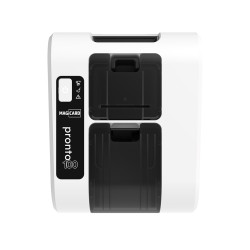
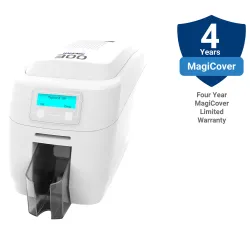
- The Magicard 300 can be upgraded to dual-sided printing.
Other printers come as separate single-sided and dual-sided models. The Magicard 600 is available as a single-sided printer or as the Magicard 600 Duo, which prints double-sided as standard. If you think you may need a back side in future, an upgradeable printer avoids replacing the whole machine.
Single-sided or double-sided: how to decide
Work through this checklist before choosing a printer:
- List everything that must appear on the card. If it does not fit clearly on the front, you need the back.
- Decide whether the back needs colour or only black text and barcodes.
- Estimate how many double-sided cards you will print. For an occasional card a manual flip may be acceptable. For regular batches choose a printer with a card flipper.
- Check whether you need encoding, such as magnetic stripe or contactless chips. Confirm the printer supports it.
- Consider future needs. If a back side is likely later, choose a model that can be upgraded to dual-sided.
Browse our single-sided ID card printers or our double-sided ID card printers to compare models. If you are still unsure which printer suits your cards, contact the Plastic-ID team and we will help you choose.
Frequently asked questions
What is a double-sided ID card printer?
A double-sided ID card printer prints on the front and the back of a plastic card. A built-in card flipper module turns the card over automatically, so both sides are printed in a single pass.
Is dual-sided the same as double-sided?
Yes. Dual-sided, double-sided and duplex all mean a card printer that prints both faces of a card.
Do I need a double-sided printer for barcodes?
Not always. A single-sided printer can print a barcode on the front. You need a double-sided ID card printer if you want the barcode on the back to keep the front clear for a photo and name.
What ribbon does a double-sided ID card printer use?
It depends on the printer model. A common choice is a YMCKOK ribbon, which prints a full-colour front and a black back. Always check that the ribbon is listed as compatible with your printer.
Can I print the back of a card on a single-sided printer?
Yes, by turning the card over by hand and feeding it through again. This suits occasional cards. For regular two-sided printing an automatic card flipper is quicker.
Can a single-sided ID card printer be upgraded?
Some can. The IDP Smart 51S, Evolis Primacy 2 and Magicard 300 can be upgraded to dual-sided printing. Other models are only available as fixed single-sided or double-sided versions, so check the printer before buying.